
10 MCP Servers
For Marketing Agencies
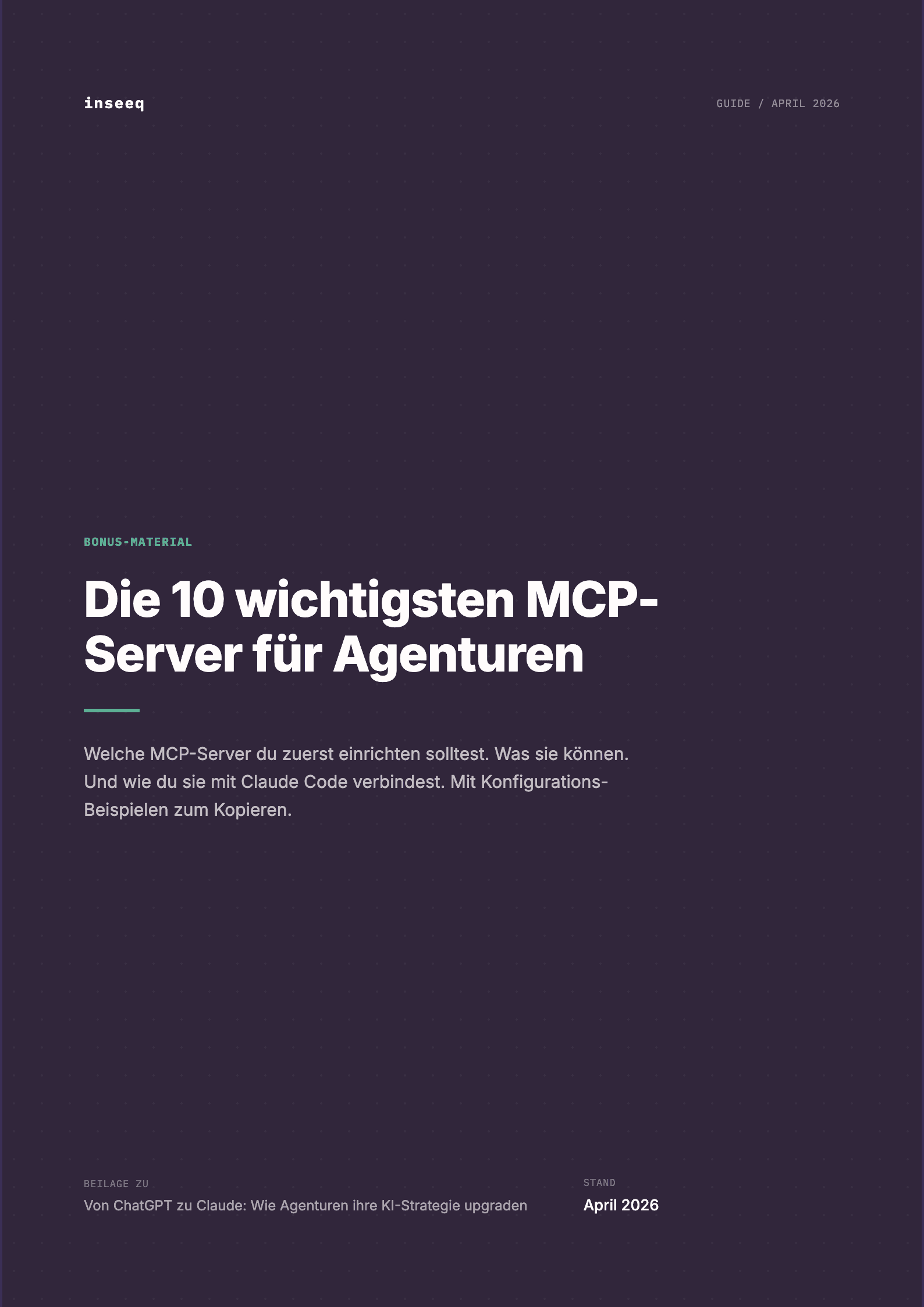
The 10 most important MCP server integrations for agencies, ranked by priority. With setup instructions, example configurations, and a complete reporting workflow.
Get your free copy
Enter your email and we'll send you the PDF.
What you'll learn
What's inside
What is the Model Context Protocol (MCP)?
MCP is an open standard that connects AI models to external systems. Instead of copying data manually, Claude reads directly from Google Ads, writes to your CMS, or updates your CRM. No CSV exports. No copy-paste. No manual data transfer.
The ecosystem is growing fast. From 1,000 public MCP servers in early 2025 to over 10,000 by March 2026. 97 million monthly SDK downloads. For agencies and companies, this means: the most important marketing tools are already available as MCP servers.
Why MCP servers matter for marketing teams
Without MCP, Claude works in a vacuum. It can write copy and create analyses, but data has to come in manually and results go out manually. Fine for individual tasks. A bottleneck for systematic workflows.
With MCP, Claude becomes the central hub of your marketing stack. A single prompt can: pull campaign data from Google Ads, compare it with Analytics traffic data, format the results into a report, and push the finished report to Notion. What used to take 2 hours of manual work becomes 5 minutes of review.
The 10 most important MCP servers for marketing
Not all MCP servers are equally relevant. Some deliver immediate ROI, others are situational. Our guide ranks the ten most important servers by priority and gives you a clear order for setting them up.
Google Analytics and Search Console: Your reporting foundation
The first integration you should set up. Google Analytics provides traffic data, top pages, conversion rates, organic vs. paid split. Search Console shows rankings, click-through rates, and indexed pages. Together, they form the foundation for automated reporting.
Instead of downloading CSV files and formatting spreadsheets, you ask Claude: "Show me the top 10 pages by organic traffic last month compared to last year." The answer arrives in seconds, not minutes.
WordPress: Create content directly in your CMS
The WordPress MCP server connects Claude directly to your website. Create posts, set metadata, assign categories, upload media. Claude writes the article, sets the meta title, adds internal links, and creates the draft in the CMS. You review and publish.
For agencies managing multiple WordPress sites, this is a massive lever. Instead of switching between ten admin dashboards, Claude creates content directly in the right CMS. The content pipeline from ideation to CMS draft happens in one workflow.
Google Ads: Analyze and optimize campaigns
Claude reads campaign performance, keyword data, ad copy, and budget allocation directly from your Google Ads account. It identifies underperformers, suggests new keywords, and generates RSA variants based on actual performance data.
The key point: Claude does not work with estimates or generic best practices. It works with your real data. Search term reports, quality scores, conversion rates. Recommendations are specific to your account, not generic.
HubSpot and CRM integrations
The HubSpot MCP server (and alternatives like GoHighLevel, Salesforce, or Attio) connects Claude to your CRM. Read and update contacts, manage deals, analyze pipeline data, track email engagement.
For marketing teams, this means: automate lead scoring, generate personalized follow-up sequences based on CRM data, create monthly pipeline reports. All without manual data exports.
Notion and Slack: Project management and communication
Connect Notion as your project management tool: populate editorial calendars, update task status, write meeting notes as action items into the right database. Slack for automatic status updates: "Report for client X is ready" lands directly in the right channel.
These integrations are not as flashy as Analytics or Google Ads, but they save 15 to 30 minutes of manual status work every day. Over a month, that adds up.
DataForSEO: Keyword research and competitive analysis
DataForSEO delivers real keyword data: search volume, CPC, competition, SERP features, backlink profiles. Instead of estimated values (like many free tools provide), you get data directly from Google.
"Find long-tail keywords with high intent for [topic]" returns real data in seconds. Compare competitor rankings, identify content gaps, find backlink opportunities. All directly in Claude, without switching between three different SEO tools.
The right order: Do not set up everything at once
The most common mistake: trying to configure all ten servers in one day. Start with what delivers the fastest ROI. For content agencies: WordPress and Analytics in week 1. Google Ads and Notion in week 2. CRM and specialized tools in weeks 3 and 4.
Each new server takes 30 to 60 minutes to set up. The real work is not the configuration but learning how to incorporate the server into your workflow. Give yourself and your team time to understand each server individually before adding the next one.
Example configuration: What a typical agency setup looks like
Our guide includes a complete JSON configuration you can copy into your Claude Code settings. Five servers (WordPress, Analytics, Google Ads, Notion, DataForSEO) with all necessary environment variables and parameters. Copy-paste, insert your API keys, done.
We also walk through a complete automated reporting workflow: pull data from Analytics and Google Ads via MCP, format the report, push to Notion. From 2 hours of manual work to 5 minutes of review. That is where MCP proves its ROI.
Need help with implementation?
We set up CLAUDE.md, MCP integrations, and workflows for your agency.
Book a Free Call