
GA4 AI Traffic Tracking Kit
Track the AI traffic GA4 misses
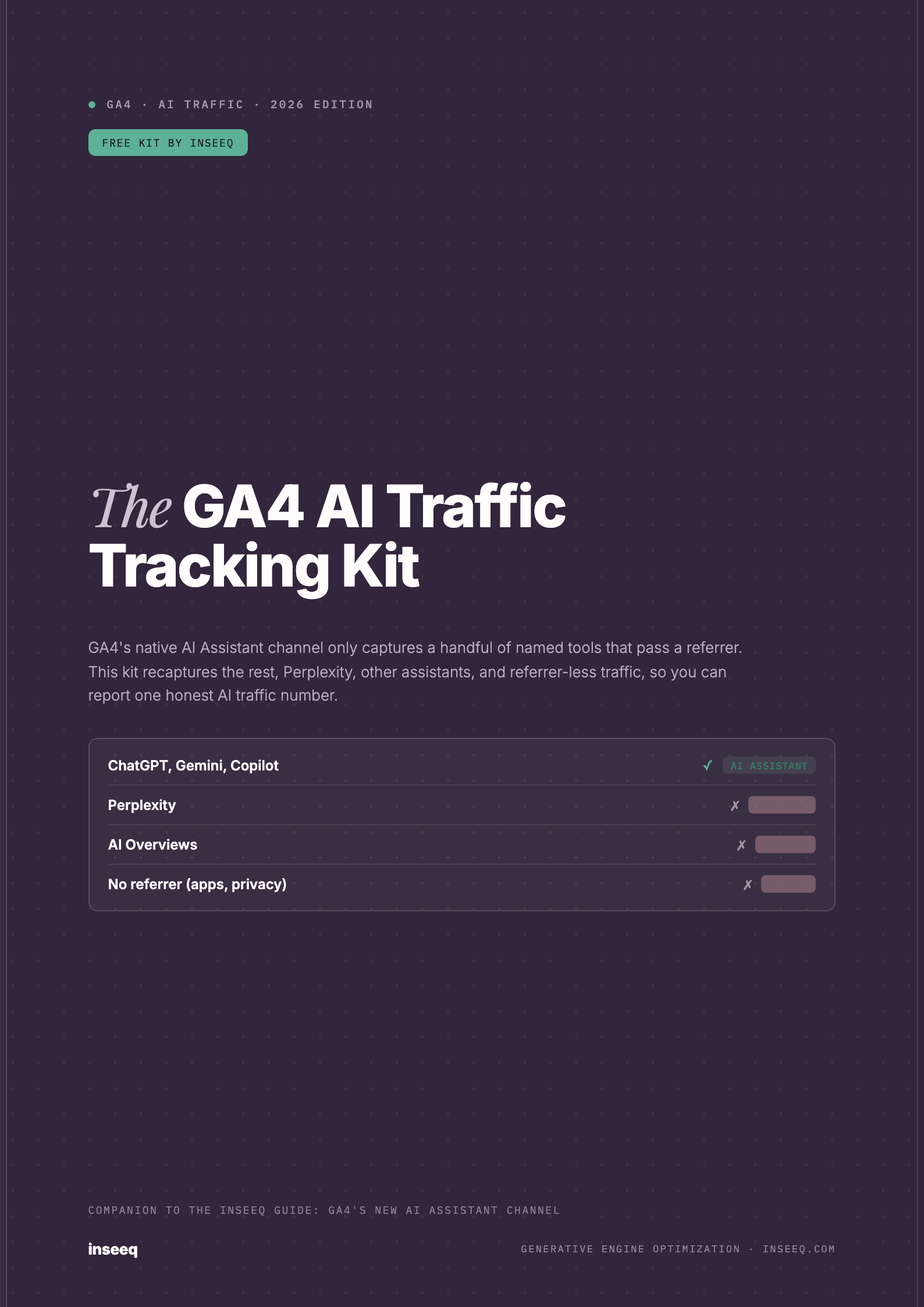
GA4's native AI Assistant channel only captures part of your AI traffic. This kit recaptures Perplexity, other assistants, and referrer-less visits with a custom channel group, copy-paste regex, a Looker Studio dashboard blueprint, and a UTM cheatsheet.
Get your free copy
Fill in the form and download the PDF right away.
What you'll learn
What's inside
How to track AI traffic in GA4
To track AI traffic in GA4, combine three things: the native AI Assistants channel for recognized chatbots, a custom channel group that recaptures the AI sources GA4 misses (Perplexity and others), and UTM tags on links you control to reduce traffic lost to Direct. The native channel alone reports a fraction of your real AI traffic. This kit gives you the copy-paste rules to see the full picture, and the steps below explain how it fits together.
What is GA4's AI Assistant channel?
In May 2026, Google added a native AI Assistants channel to the GA4 Default Channel Group. It works automatically, with no setup. When a visitor arrives from a recognized AI assistant, GA4 assigns the session an ai-assistant medium and an (ai-assistant) campaign, then groups it into the AI Assistants channel alongside Organic Search, Paid Search, Referral, and Direct.
Google's documentation names ChatGPT, Gemini, Deepseek, Copilot, and Grok as examples, and the list expands quietly over time.
What the AI Assistant channel misses
The native channel is a floor, not a ceiling. It captures one specific case, named chatbots that pass a referrer, and silently leaves out four large categories of AI traffic:
- Perplexity stays in Referral because it is not in Google's named set.
- Google AI Overviews and AI Mode count as Organic Search, since the referrer is Google and Google excludes its own AI surfaces.
- Referrer-less or dark AI traffic from apps and privacy settings lands in Direct, because no source is passed.
- Historical traffic is not reclassified. The channel is not retroactive, so your baseline starts at launch.
The traffic in those gaps is often your highest intent, which is why reading only the native channel undercounts your best visitors.
Build a custom channel group (the free method)
The fix is free and needs no paid tool. In GA4, go to Admin, then Data display, then Channel groups, and create a new channel group. Add one channel, name it AI Search, and place it above Referral and Organic Search so it wins those sessions. Match the channel when any of these is true: the medium exactly matches ai-assistant, the campaign exactly matches (ai-assistant), or the Session source matches this regex:
(?i)(chatgpt|openai|perplexity|gemini\.google|copilot|deepseek|grok|x\.ai|claude\.ai|poe\.com|you\.com|phind|andisearch|mistral|meta\.ai)Rule one keeps everything GA4 already labels. The regex recaptures Perplexity and any assistant GA4 does not yet recognize. Keep the rest of the default channels below it so Organic, Paid, Referral, and Direct still work. The kit includes the full step-by-step and a maintained source list.
How to track ChatGPT, Perplexity, Gemini, Claude, and Copilot
To see a single assistant, open an Exploration, add Session source / medium as the dimension and Sessions as the metric, then filter by that tool's domain. ChatGPT shows as chatgpt.com or chat.openai.com, Perplexity as perplexity.ai, Gemini as gemini.google.com, Claude as claude.ai, and Copilot as copilot.microsoft.com. The same regex above gives you the combined total, while a per-domain filter gives you the breakdown.
How to track AI Overviews traffic (the hard part)
AI Overviews are the biggest blind spot and the most searched for. Because GA4 records these clicks as Organic Search, you cannot reclassify them inside a channel group. Approximate the impact with Google Search Console: track the queries where your pages appear in AI Overviews and watch their clicks and impressions, then compare against GA4 Organic landing-page behavior. Treat the result as a directional estimate, not an exact count, and label it that way in your reports.
Connect AI traffic to conversions, not just sessions
Counting AI sessions is the start. The number that wins budget is whether AI visitors convert. Apply your AI Search channel or an AI source segment to your key events and lead forms, and report conversions and conversion rate by AI source. AI visitors often arrive after an assistant has already recommended you, so they tend to convert at least as well as branded search. Proving that turns AI traffic from a curiosity into a funded channel.
From measuring AI traffic to growing it
Once you can see the full picture, the goal shifts to increasing it. AI assistants only send visitors when they cite or recommend you, which is the discipline of generative engine optimization (GEO). Start by checking how often AI engines surface your brand with our free AI visibility check, and see how we grow AI citations through SEO and GEO optimization. A rising AI Search total in your custom channel group is the clearest proof that the work is paying off.
Frequently asked questions
Does GA4 track AI traffic now?
Partly. In May 2026 GA4 added a native AI Assistants channel that automatically classifies referral traffic from named tools like ChatGPT, Gemini, Deepseek, Copilot, and Grok. It does not capture Perplexity, Google AI Overviews, or AI traffic that arrives without a referrer, so it measures a subset of your real AI traffic.
How do I see AI traffic in GA4?
Open Reports, then Acquisition, then Traffic acquisition, and look for the AI Assistants channel. Add Session source / medium as a secondary dimension and look for the ai-assistant medium to isolate and verify the sessions.
Does GA4 track Perplexity traffic?
Not in the AI Assistants channel. Perplexity is not in Google’s named set, so its sessions still land in Referral. Add a custom channel group with a source rule for perplexity.ai to group it with your other AI traffic.
How do I track ChatGPT traffic in GA4?
ChatGPT referrals (chatgpt.com, chat.openai.com) are captured natively in the AI Assistants channel when a referrer is present. To see ChatGPT alone, filter Session source / medium for chatgpt or openai in an exploration.
How do I track AI Overviews traffic in GA4?
You cannot do it directly. Clicks from Google AI Overviews are classified as Organic Search because the referrer is Google, and GA4 excludes its own AI surfaces from the AI Assistants channel. Approximate the impact with Google Search Console query and landing-page data instead, and label it as an estimate.
Why is my AI traffic showing as Direct in GA4?
Because the session arrived without a referrer. Many AI assistants, especially desktop and mobile apps, do not pass a referrer header, so GA4 cannot identify the source and files the session under Direct. UTM tags on links you control recover part of this.
Is there a free way to track AI traffic in GA4?
Yes. A custom channel group plus a source regex is free and needs no paid tool. It re-buckets AI sessions GA4 misses (Perplexity and others) into one channel using rules you define in the GA4 Admin area.
How is the AI Assistant channel different from Organic Search?
The AI Assistant channel is referral traffic from chatbots that pass a recognized referrer and an ai-assistant medium. Organic Search is unpaid traffic from search engines, including clicks from Google AI Overviews, which stay in Organic rather than the AI channel.
Is the GA4 AI Assistant channel retroactive?
No. It classifies traffic from its May 2026 launch forward. Historical sessions keep their original channel, so your clean AI baseline starts from launch.
How do I connect AI traffic to conversions and leads?
Apply your AI channel or an AI source segment to your key events and conversion reports, not just sessions. That shows whether AI visitors convert, which is the number that justifies investing in AI search visibility.
Need help with implementation?
We set up CLAUDE.md, MCP integrations, and workflows for your agency.
Book a Free Call